Australia Shipping Prices
Keep this public name. Shippy Whippy stays internal. Change only the fields below.
Return to ShopifyKeep the name
App name
Australia Shipping Prices
Paste the copy
Introduction
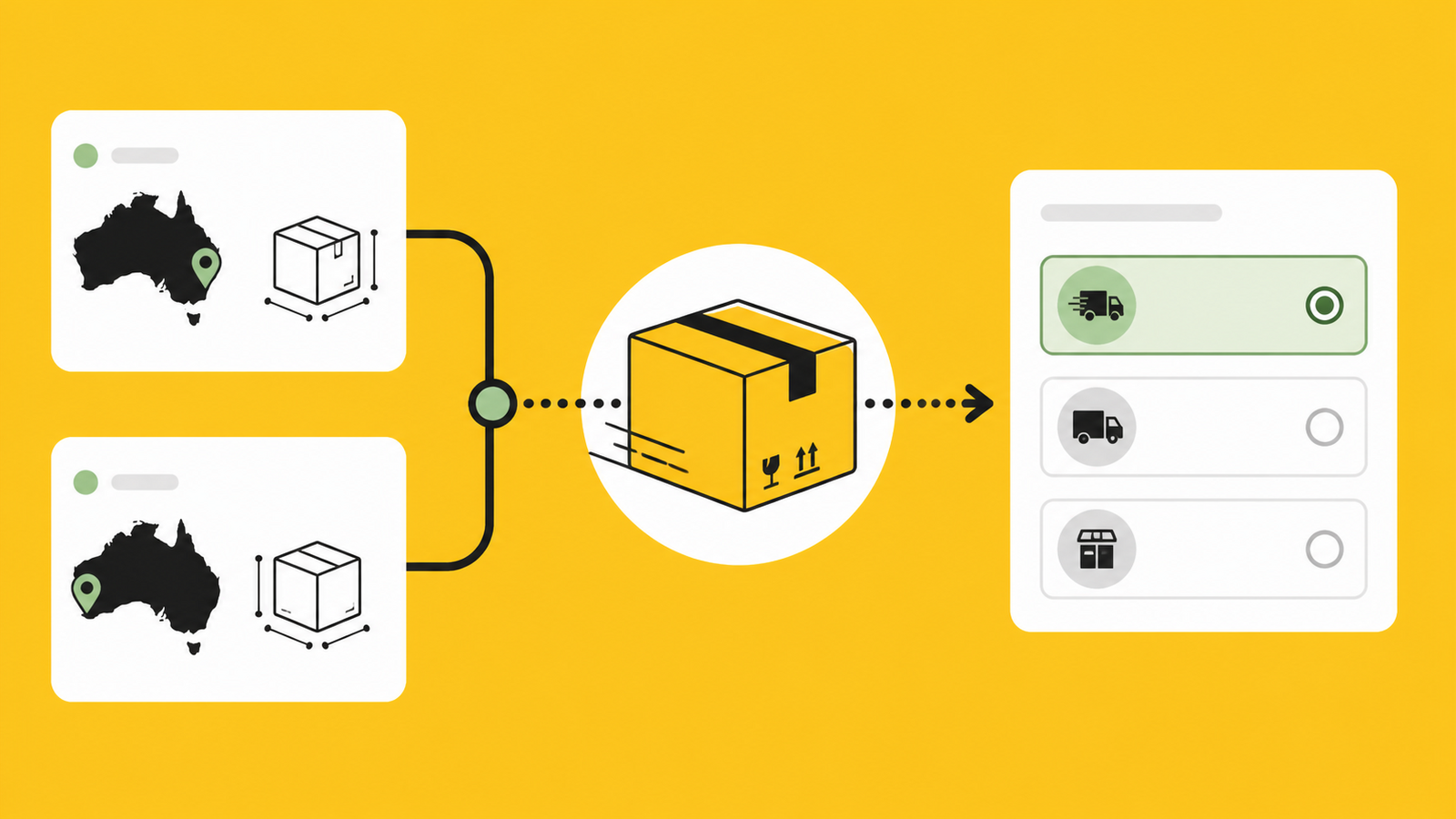
Show Australia Post rates at checkout and control service names, descriptions and parcel packing.
Details
Australia Shipping Prices shows Australia Post rates at checkout. Choose visible services, rename them, add delivery descriptions, and save parcel dimensions and packing rules for each fulfilment location. Eligible eParcel merchants can connect an account for negotiated rates.
Features
Show Australia Post rates at checkout Rename services and add delivery descriptions Rate from each Shopify fulfilment location Save parcel dimensions and packing rules Connect an eligible eParcel account
Upload the media
Use the icon and feature image. Keep the current screenshots.
- Download icon · 736 KB
- Download feature image
- Watch on YouTube
- Open Shippy Whippy channel
- Download video

Check these settings
- Category
- Orders and shipping → Shipping solutions → Shipping rates
- Rate calculation
- Carrier-based
- Integration
- Australia Post
- Support email
- help@shippywhippy.com
- Privacy policy
- https://shippywhippy.com/privacy-policy/
- Developer website
- https://shippywhippy.com/
Discovery fields
- Subtitle
- Australia Post rates, labels and parcel packing
- Search terms
- australia post, shipping rates, carrier rates, delivery options, eparcel
- Title tag
- Australia Shipping Prices | Shopify App
- Meta description
- Show Australia Post shipping rates at Shopify checkout, rename delivery services, and configure parcel dimensions and packing by fulfilment location.
Reviewer testing text
Demo screencast
https://youtu.be/5CDxvNn2Ys4
Testing instructions
Install the app and open Australia Post settings. Enable rates and rename a service. Open Logistics, save parcel dimensions, then test two weighted products to Newcastle NSW 2300. Confirm the rates, names and descriptions appear. Stop before payment.
Finish
Save → Preview listing → Submit changes.
Return to Shopify All listing media